

WordPress Plugin Deals 2026: Don’t Miss Halloween to New Year



Vitepos
Your WooCommerce Store, Now as Your Point of Sale. Vitepos transforms your existing online store into a fast, efficient local POS. Stop juggling multiple systems. Our all-in-one solution helps you save time, cut costs, and give your customers a smooth, un

Vitepos User & Kiosk app
The Vitepos User App puts ordering in your customers’ hands. By simply scanning a table’s QR code, they can browse your menu and place their order instantly—speeding up service and turning tables faster.

Elite Licenser
Command Your Code. Protect Your Profits. Elite Licenser is the definitive WordPress license manager, giving you absolute control over your plugins, themes, and SaaS apps. Stop unauthorized use and piracy dead in their tracks. Our secure, intelligent syste

Elite Member Area
The Elite Members Area is your secure, private dashboard for managing your digital business. Go beyond basic access—efficiently organize product licenses and effortlessly run promotional campaigns on platforms like AppSumo and PitchGround.
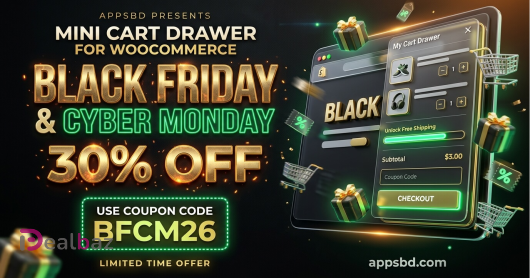
Mini Cart Drawer
rt Drawer - Stop Abandoned Carts. Start Growing Sales. Short Intro: Transform your WooCommerce store with a mini cart designed to sell.

Vite Coupon & Voucher
Vite Coupon & Voucher is the ultimate management system for WooCommerce, transforming discounts from a simple promotion into a powerful profit engine.

Vite Rewards
Vite Rewards turns casual shoppers into your brand’s biggest advocates.

80%
Sky Addons for Elementor
Powerful & Essential Addons for Elementor. Supercharge & Transform Your WordPress Website into a Creative Powerhouse with Sky Addons

30%
DEALBAZ30
QuitURL
QuitURL is the Best Bitly Alternative for all-in-one Link Management. Get powerful URL Shortening, dynamic QR Codes and a customizable Link-in-Bio Page. Easily create Branded Links, run A/B Tests, track performance with pixels and manage your links secure
70%
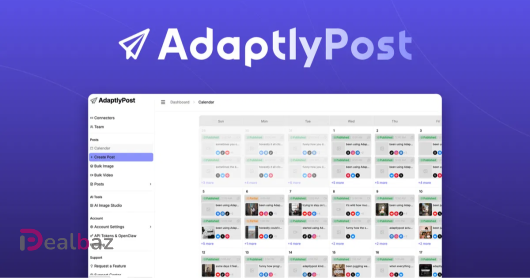
Automate social posts across platforms
Posting consistently gets complicated when every platform needs its own captions, visuals, formats, and timing. Thankfully, AdaptlyPost lets you create, adapt, and schedule all your social content from one place
50%
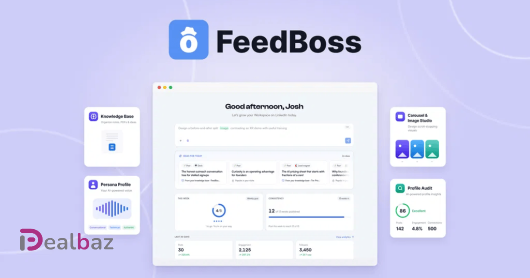
FeedBoss
Just because your LinkedIn post from Thursday is going viral doesn't mean you're off the hook for Friday. FeedBoss learns your profile, voice, and knowledge, then hands you a fresh idea whenever you need it.
75%
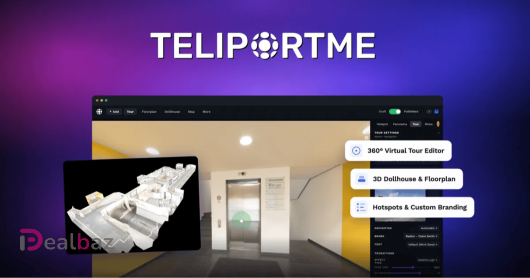
TeliportMe Virtual Tours
Your awesome property doesn’t look so hot in a flat photo gallery. Good thing TeliportMe lets you turn any 360° shot from your smartphone into a polished, interactive virtual tour without the agency price tag.
20%
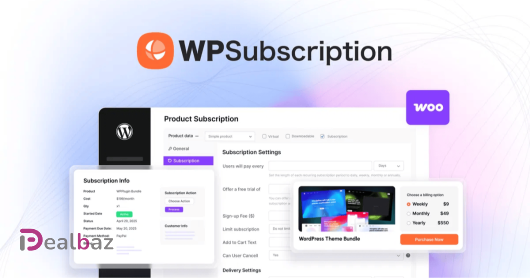
WPSubscription
Set up subscriptions and recurring payments for WooCommerce through Stripe, PayPal, and Paddle
95%
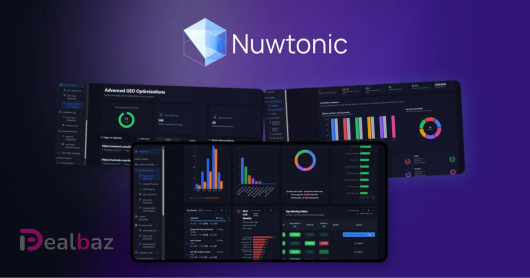
Nuwtonic SEO
Monitor rankings, optimize pages, and generate GEO-ready content for AI search
45%
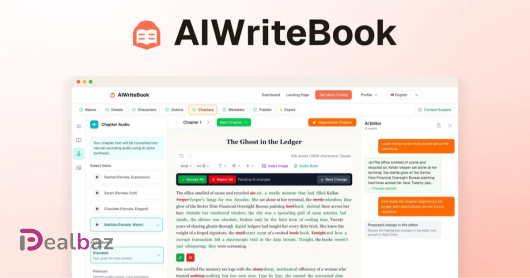
AIWriteBook
Create books with voice-matched chapters, covers, and KDP-ready exports from one AI workspace
70%
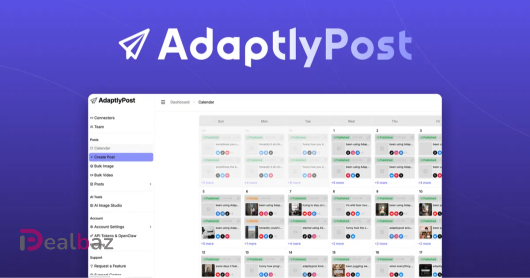
AdaptlyPost
Plan, schedule, and publish to 10 social platforms with AI-powered captions, images, and automation
50%
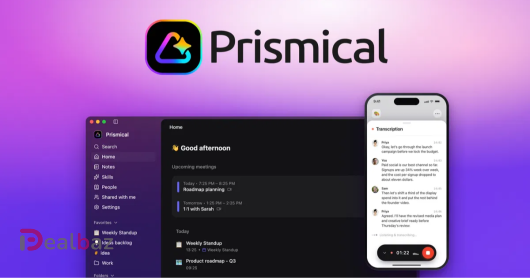
Prismical
Turn any speech into structured notes with unlimited local transcription, speaker ID, and MCP integrations

50%
Tough Tongue AI
Build AI agents that handle live calls, run demos, and coach reps—then deploy them anywhere
80%
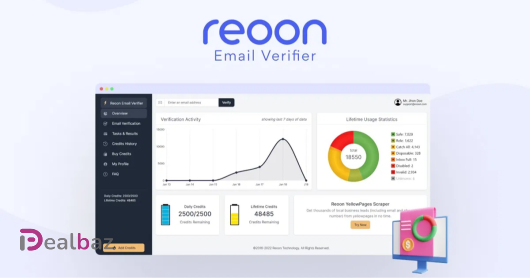
Reoon Email Verifier
The most accurate email validation service that cleans invalid, temporary & unsafe email addresses

65%
Brandolia
Build a complete brand identity, website, and marketing visuals with AI from one idea

90%
Skillplate
Talk to the AI agent, Overmind, to build products, a website, checkout, and campaigns from one platform
90%
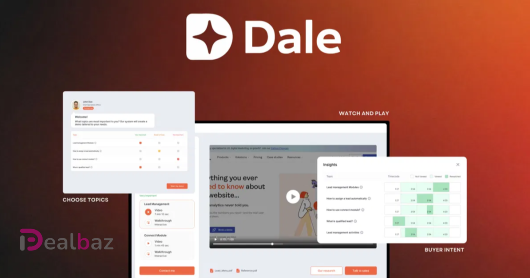
Dale
Give every prospect an instant, personalized demo and know who is ready to buy before your sales call
70%
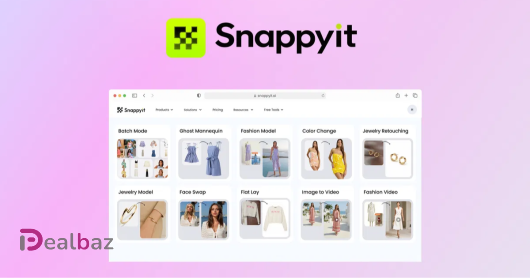
Snappyit
Generate ghost mannequin, on-model, flat lay, and video assets from a single garment photo

65%
TradeSgnl
Turn TradingView and Telegram signals into automated MT5 trades that run 24/7
40%
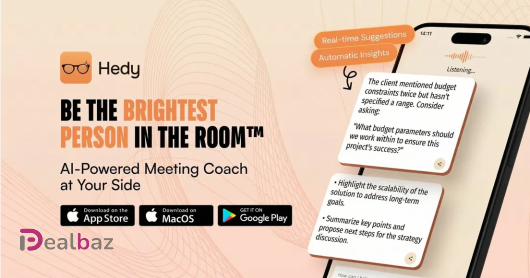
Hedy AI
Your AI-powered assistant for navigating professional conversations with confidence

95%
Robomotion RPA
Automate repetitive and data-intensive manual tasks with easy-to-use RPA bots

45%
AudioHero
Get 300,000+ premium, royalty-free music tracks and sound effects with unlimited licensing

60%
Fuzen
Customize 45+ ready-made CRM and ERP apps with AI—then deploy them under your own brand
55%
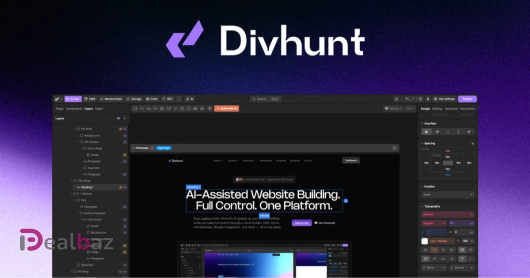
Divhunt
Effortlessly build fast and limitless websites—no coding required

70%
Keyshift AI
Write smarter on Windows and Mac with AI shortcuts that rewrite, translate, or summarize in any app

70%
Wideo
Create, translate, and automate branded videos with AI-powered tools and 300+ templates
95%
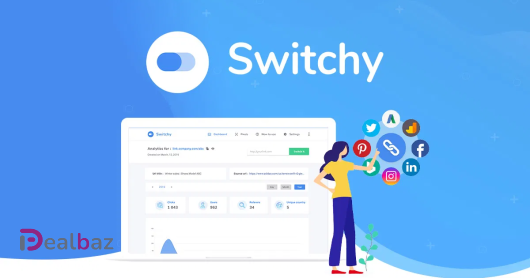
Switchy
Boost engagement and conversions with custom retargeting links

70%
PlugThis AI
Build, iterate, and ship Manifest V3 Chrome extensions from a plain-English prompt
90%
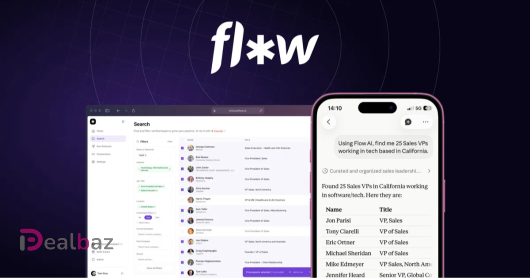
Flow AI
Find qualified leads, run automated LinkedIn outreach, and centralize replies in one platform

70%
SocialBu
Schedule, publish, analyze, and grow social media presence across 12+ platforms from one dashboard

75%
AI Emaily
Connect Gmail, Outlook, iCloud, and IMAP to one inbox with AI that drafts replies in your voice

75%
MiroMiro
Inspect any element, extract the full design system, and export clean Tailwind or HTML from any site

85%
FlexClip
Create, edit, and share professional videos with AI-powered tools, 4M+ stock assets, and ready-made templates
85%
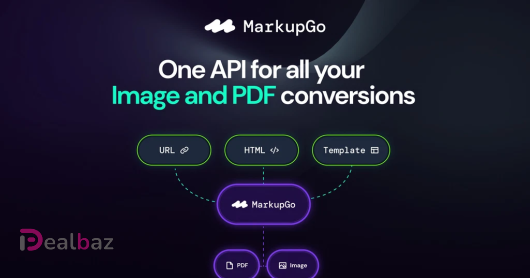
MarkupGo
Automate your image and PDF conversions with a single, powerful API
85%
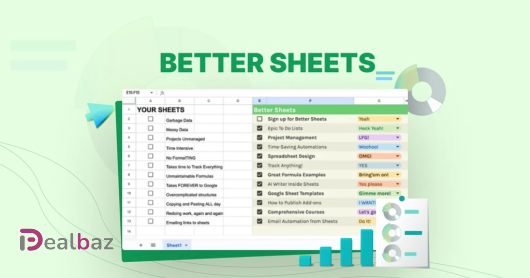
Better Sheets
Automate Google Sheets: Budgets, Dashboards, Reporting, Sales, CRM! And, use AI before it uses you.

75%
Acadle
Create and manage online academies with AI course creation, custom roles, and a full learner toolkit
55%
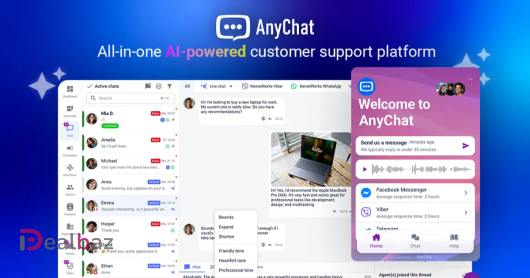
AnyChat
Connect with WhatsApp, Messenger, Instagram, and more using this all-in-one AI-powered tool for customer support
80%
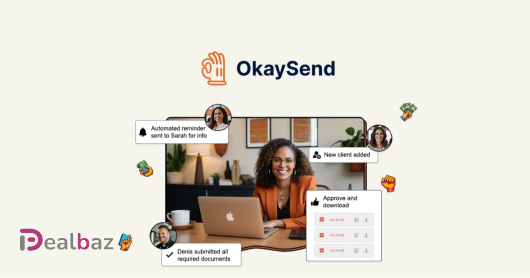
OkaySend
The fast, easy, and secure way to collect documents from clients
25%
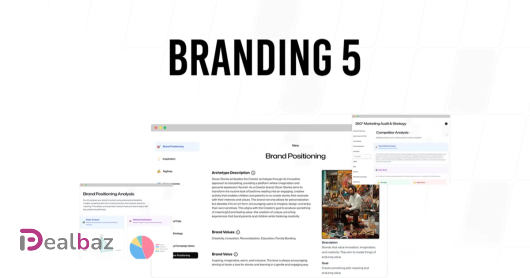
Branding5
Define your brand positioning and audit your marketing with this AI marketing solution
95%
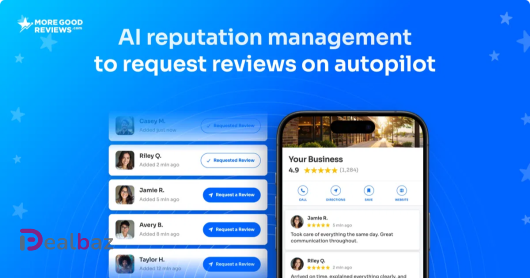
More Good Reviews
AI reputation management that gets you more five star reviews, automatically.
70%
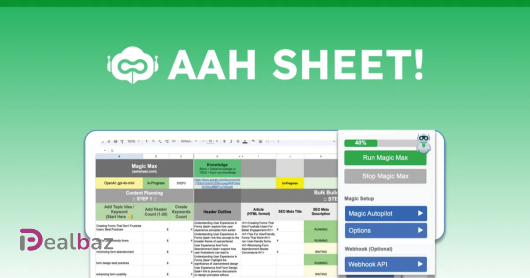
AahSheet
Rank in AI search and traditional SEO with unlimited, structured content by automating GEO + SEO content creation at scale in Google Sheets
70%
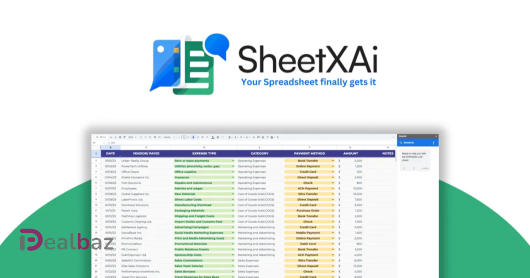
SheetXAI
Automate any spreadsheet task with AI using plain English—no formulas or coding required
75%
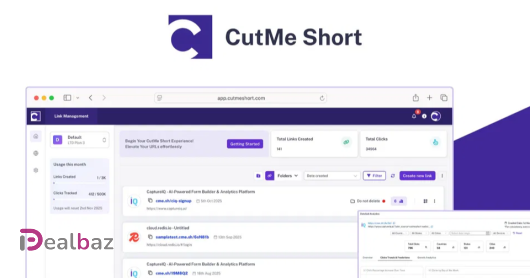
CutMe Short
URL Shortener, Link Click Analytics & Bio Link Pages - Your AI Marketing Suite

90%
GoBrunch
Make your online meetings more fun, engaging, and interactive
80%
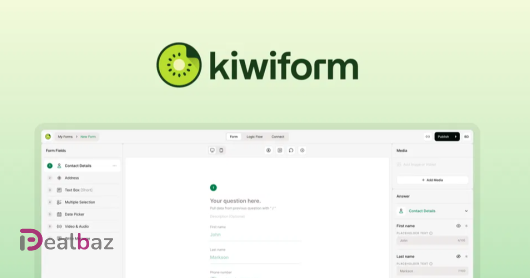
Kiwiform
Create unlimited forms with branching logic, built-in analytics, and integrations—no response caps
85%
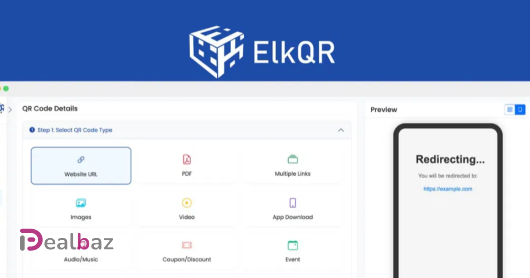
ElkQR
Boost your business with ElkQR -- the ultimate tool for generating and managing secure QR codes

75%
WebAbility.io
Your Ultimate Web Accessibility Compliance Tool

75%
InPrivy - Secure and Easy Sharing
InPrivy allows you to easily and securely share sensitive information.

30%
GSpeech
Convert any text content into engaging audio with this realistic AI voice generator

95%
FlipLink.me
Turn your PDFs into online Flipbooks with FlipLink & customize, share, and analyze how they perform

85%
CandyIcons
Create your own app icons with AI in 3 easy steps
70%
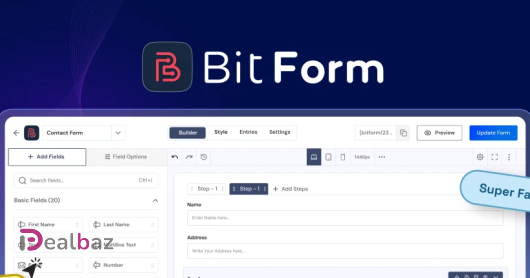
Bit Form – WordPress Form Builder Plugin
Build beautiful, functional forms for WordPress with drag-and-drop ease
85%
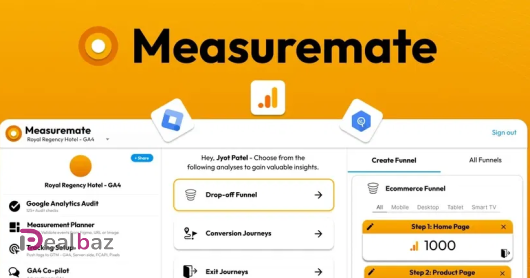
Measuremate
Automate GA4, GTM & BigQuery - track, tag, validate, report & insights w/o coding or spreadsheets

85%
FlipBooklets
Convert your PDFs into beautiful PDF FlipBooks in seconds -- simply upload & publish

70%
AvoMap
Bring your routes and adventures to life with stunning animated maps
75%
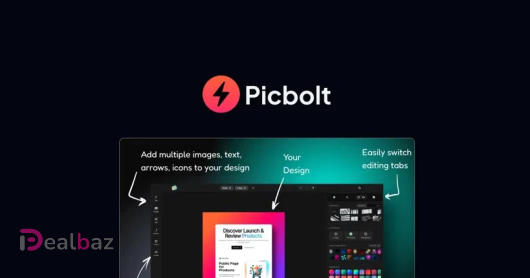
Picbolt
Transform your ordinary screenshots into eye-catching visuals in seconds
70%
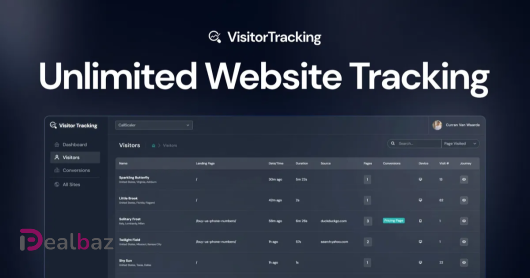
Visitor Tracking - Unlimited Website Tracking
Track UNLIMITED websites. Funnel tracking, visitor streaming, conversion tracking and more!
85%
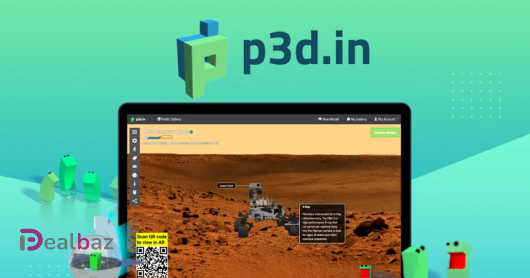
Interactive 3D Experiences & Augmented Reality - no app install required
Engage your website visitors with life-like 3D models and/or let them scan a QR code to view in AR
65%
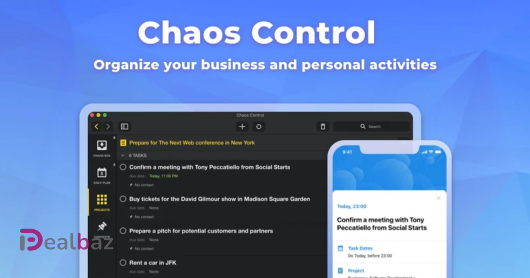
Chaos Control
A personal organizer that will help you manage your goals, to-do lists and tasks

90%
Vocal
Record and Send Voice Notes via Email. AI, transcription, CNAME, tracking, mobile support & more!

75%
BeHuman.Online
Virtual conference / expo / coaching / meet-up platform that engages attendees
55%
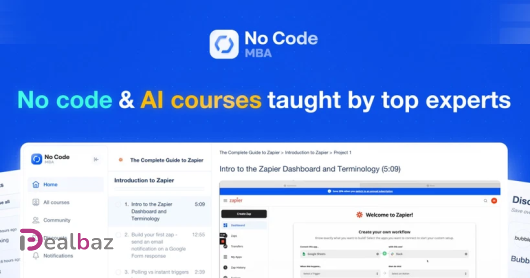
No Code MBA
Learn how to build AI apps, marketplaces, websites, automations, and more. Designed for beginners.

35%
TextSniper - OCR Simplified
TextSniper is a simple and easy to use OCR (Optical Character Recognition) app that helps instantly extract text from images, PDFs, slides, Zoom calls, or even YouTube videos.
95%
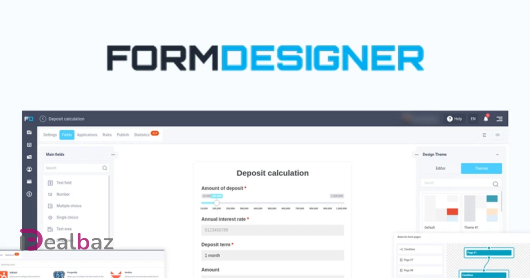
FormDesigner
We help you create web forms of any complexity, without a designer or programmer

75%
Deftform
Build sleek forms, automate workflows, and collect unlimited data effortlessly.

95%
Writecream - Your SEO Agent
Your secret weapon for SEO, research & marketing
90%
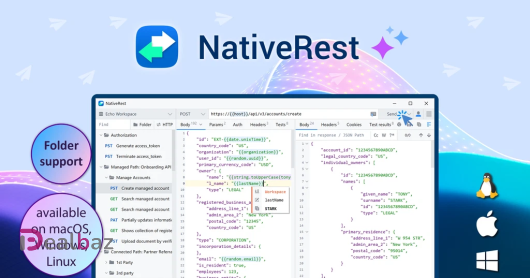
NativeRest
Create, debug and test your API with a fast and lightweight API-client for Windows, macOS and Linux

95%
nichesss
Get amazing content + images + profitable ideas for any niche in 60 seconds or less

5%
BackgroundCut AI Background Remover
AI-powered background removal and photo editing at scale
45%
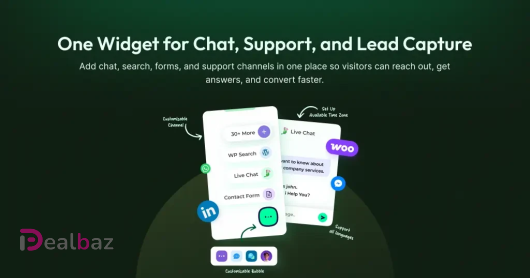
Bit Assist
Connect with your visitors using Facebook Messenger, WhatsApp, and 20+ social channels in one button

25%
Notioly
Notioly is a collection of over 400 Notion-style illustrations.
70%
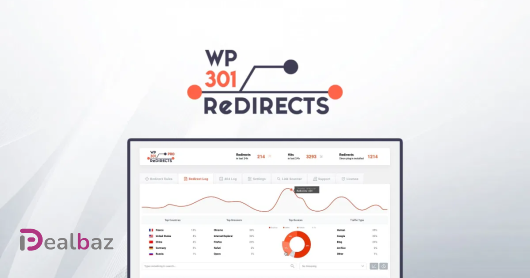
WP 301 Redirects
Improve SEO and customer experience by finding broken links, site redirects, and 404 errors
60%
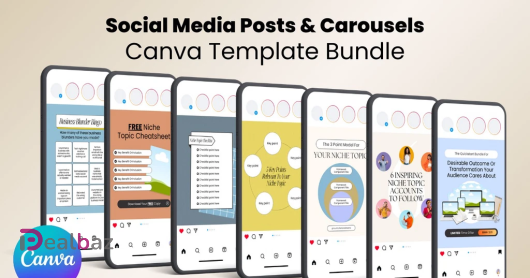
Social Media Canva Template Bundle
500+ Canva Templates To Create High Quality Social Media Posts & Carousels
50%
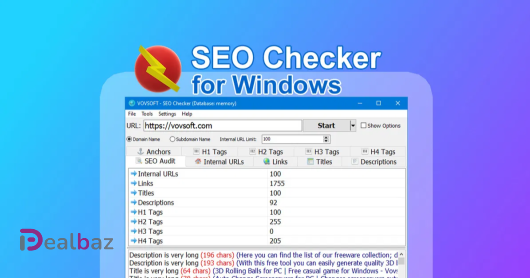
SEO Checker for Windows
SEO audit and website crawler for Windows
90%
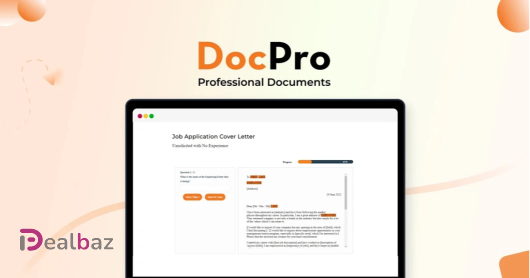
DocPro
Instant access to 2,800+ lawyer-approved legal templates—save time, cut costs, and stay protected!

90%
Git Aset
Stop spending countless hours groping the internet and put our assets to use
75%
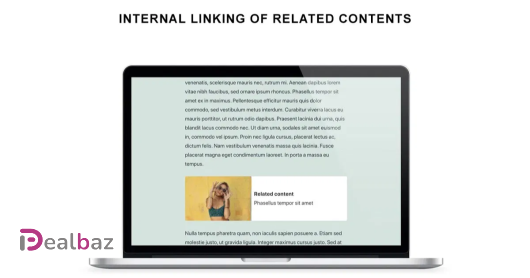
Internal Linking of Related Contents
Automatically link related posts to boost SEO and engage users with relevant content.
75%
ApproveThis
Stop chasing approvals. Start collaborating with anyone, instantly.

85%
EpicPxls
Create beautiful websites and landing pages with customizable templates

85%
Twidget.io
Build Web Applications and APIs visually and streamline your development process

30%
BF2026
Social Post Flow
Auto-publishes your WordPress posts, pages & custom post types to Facebook Pages, X, Instagram, Threads, LinkedIn (Profiles + Pages), Google Business, Pinterest, TikTok, Bluesky, Mastodon and Telegram the moment they go live.

25%
MELODY25
Melody Genie
Melody Genie is an AI music app that writes lyrics in the style of your favourite artists and turns them into complete songs with vocals. Use your own voice, edit every track in Genie Studio, a full music studio in the browser, and share your songs

40%
WPMission
WPMission is an all-in-one WordPress management SaaS that helps agencies and freelancers manage multiple websites from a single dashboard, including updates, backups, uptime monitoring, security checks, and client reporting.
85%
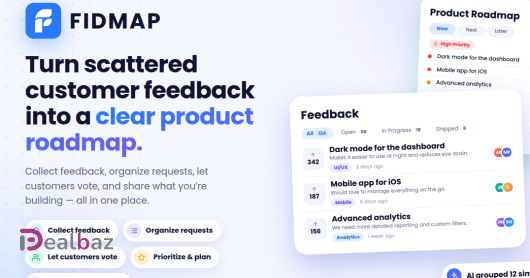
FIDMAP
A Customer feedback and feature request management tool

20%
MIGRATE20
Clipy
Clipy is a free, no-watermark screen recorder for Mac, Chrome, and the web — a Loom alternative for fast async communication. Hit record, stop, and an instant shareable link is in your clipboard. Viewers need no account, app, or extension to watch.

40%
FerimanEdge Full Access
Real-time BTC, ETH & BNB market regime updates via Discord. Rules-based insights, transparent tracking and historical outcomes. $29/mo Early Bird for the first 100 members.

15%
DEALBAZ15
FineVoice AI
FineVoice is an AI voice generator and audio production agent platform for generating realistic voices, cloning voices, creating sound effects and music, and producing professional-quality audio.

15%
DEALBAZSING15
Singify AI
Singify is a powerful and intuitive AI music and song generator that effortlessly transforms text, lyrics, images, and videos into original songs and high-quality background music.

30%
Auto applied
Acowebs Wocommerce Plugins
This Black Friday season, Acowebs offers up to 30% off its WooCommerce plugins. Acowebs offers a wide range of plugins

40%
Freepik AI Basic Yearly Plan — Monthly Equivalent
Annual billing: US$13.99/month equivalent, US$167.88 charged yearly, versus US$23.99 month-to-month. Pricing advertises 40% savings; no coupon. Freepik AI creates images and short videos. Independent of freepik.com / Freepik Company.

20%
DEALBAZ
Adventiva – WooCommerce Advent Calendar
Create a visual 24-day WooCommerce Advent calendar with daily product offers, animated gifts, responsive product modals, automatic page creation, homepage promotion and interfaces in English, Spanish, French, Italian and German.

70%
SLOT JALPI
Slot Jalpi is an all-in-one booking platform that helps businesses create branded booking websites, manage appointments, staff, and payments, and automate WhatsApp and email reminders through its web platform and mobile app.

55%
FlexTable: Sheets to WP Table Live Sync
Still copying spreadsheet data into WordPress by hand? This Black Friday, FlexTable turns your Google Sheets into live WordPress tables, with lifetime access from just $99, up to 50% off.

55%
WP Dark Mode: Dark Mode for WordPress
Your visitors switched their phones to dark mode long ago, and your website should follow. This Black Friday, WP Dark Mode lifetime access starts at just $79, with up to 50% off.
55%
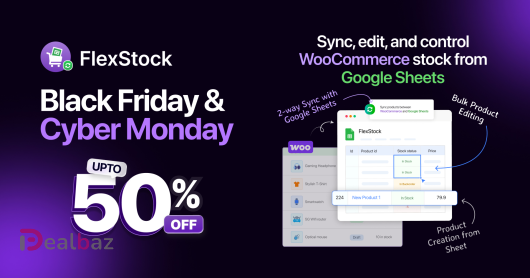
FlexStock: Stock Sync with Google Sheets for WooCommerce
Updating WooCommerce stock one product at a time is the slowest way to run a store. This Black Friday, manage it all from Google Sheets with FlexStock lifetime access from just $99, up to 50% off.

55%
FormyChat: Send Contact Form Leads to WhatsApp
Contact form leads go cold fast when they sit in an inbox. This Black Friday, send them straight to WhatsApp with FormyChat lifetime access from just $79, up to 50% off.

75%
Bit Form
Bit Form is an advanced, super-fast, lightweight form builder for WordPress that loads only 15KB of JS and CSS for a standard form.
55%
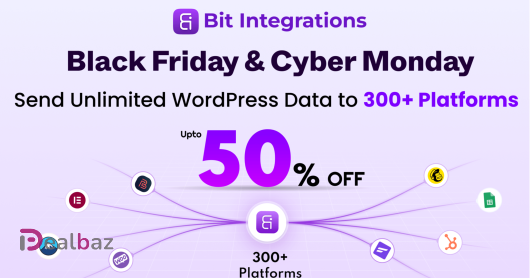
Bit Integrations
Bit Integrations is a no-code WordPress automation plugin that connects your site to 300+ apps like WooCommerce, Google Sheets, LMS, CRMs, and email marketing tools.
65%
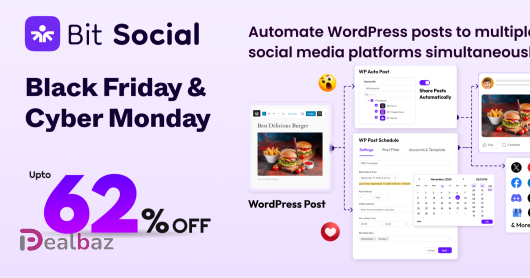
Bit Social
Advanced WP post Scheduling & Auto sharing to Social Media plugin for WordPress. With features like auto-posting, advanced scheduling, and integration with 12+ platforms (Facebook, Instagram, LinkedIn, Discord, etc.), it saves you time and effort. Manage
65%
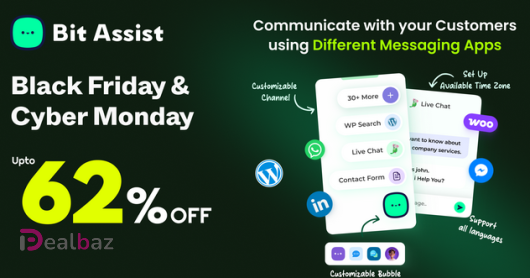
Bit Assist
Bit Assist is an easy-to-use WordPress chat plugin with 30+ messaging apps in a single widget. It helps businesses improve customer engagement by allowing customers to reach you via WhatsApp, Facebook Messenger, Telegram, and integrates with live chat too

75%
LIFETIMESG
Saasgama
Simplify SaaS management with SaaSGama. Track subscriptions, manage software licenses, monitor expenses, and discover opportunities to reduce unnecessary software costs.

40%
FluentCRM
FluentCRM brings customer relationship management and marketing automation to your WordPress dashboard.

40%
Fluent Forms
Fluent Forms is a drag-and-drop WordPress form plugin with tons of great features and functionalities.
30%
BFCM26
Vitepos
Your WooCommerce Store, Now as Your Point of Sale. Vitepos transforms your existing online store into a fast, efficient local POS. Stop juggling multiple systems. Our all-in-one solution helps you save time, cut costs, and give your customers a smooth, un
30%
BFCM26
Vitepos User & Kiosk app
The Vitepos User App puts ordering in your customers’ hands. By simply scanning a table’s QR code, they can browse your menu and place their order instantly—speeding up service and turning tables faster.
30%
BFCM26
Elite Licenser
Command Your Code. Protect Your Profits. Elite Licenser is the definitive WordPress license manager, giving you absolute control over your plugins, themes, and SaaS apps. Stop unauthorized use and piracy dead in their tracks. Our secure, intelligent syste
30%
BFCM26
Elite Member Area
The Elite Members Area is your secure, private dashboard for managing your digital business. Go beyond basic access—efficiently organize product licenses and effortlessly run promotional campaigns on platforms like AppSumo and PitchGround.
30%
BFCM26
Mini Cart Drawer
rt Drawer - Stop Abandoned Carts. Start Growing Sales. Short Intro: Transform your WooCommerce store with a mini cart designed to sell.
30%
BFCM26
Vite Coupon & Voucher
Vite Coupon & Voucher is the ultimate management system for WooCommerce, transforming discounts from a simple promotion into a powerful profit engine.
30%
BFCM26
Vite Rewards
Vite Rewards turns casual shoppers into your brand’s biggest advocates.

30%
BFCM26
Vite Wholesale
Run Wholesale and Retail from One WooCommerce Store. Vite Wholesale makes it easy to manage B2B customers, assign custom pricing tiers, and automatically apply quantity-based discounts.

30%
BFCM26
Vitepos Bundle
Run your entire store, in person and online, from one connected toolkit. The Vitepos Bundle combines the Vitepos POS with coupons and vouchers, loyalty rewards, self-order kiosk and QR ordering, and a smart mini cart in a single package.

30%
BFCM26
Elite Licenser Bundle
License every product you sell, then give your customers a self-serve space to manage it. The Elite Licenser Bundle pairs Elite Licenser, the powerful license manager for plugins, themes and apps, with the Elite Member Area.
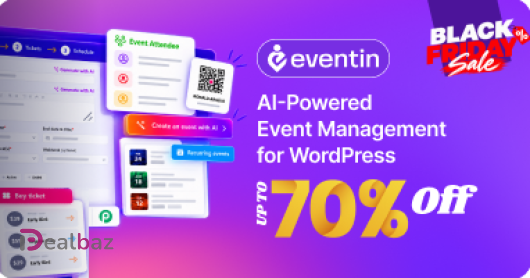
70%
Auto-applied
Eventin
AI-powered WordPress event management for creating, selling, and managing events from one place.
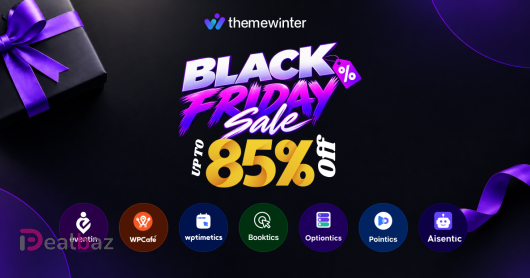
85%
Auto-applied
Themewinter Mega Bundle
ThemeWinter builds powerful WordPress solutions for Event Management, Restaurant Management, Appointment Scheduling, Service Bookings, WooCommerce Product Customization, Loyalty & Rewards, and AI-powered Business Automation.

75%
LIFETIMESG
Saasgama
SaaSGama is an AI-powered SaaS management platform that helps businesses track software subscriptions, optimize unused licenses, monitor renewals, and reduce software expenses through a centralized dashboard with real-time insights and automation.